Claude Dispatch: Your Phone Is Now the Command Center for AI Work
March 27, 2026
Claude Dispatch: Your Phone Is Now the Command Center for AI Work
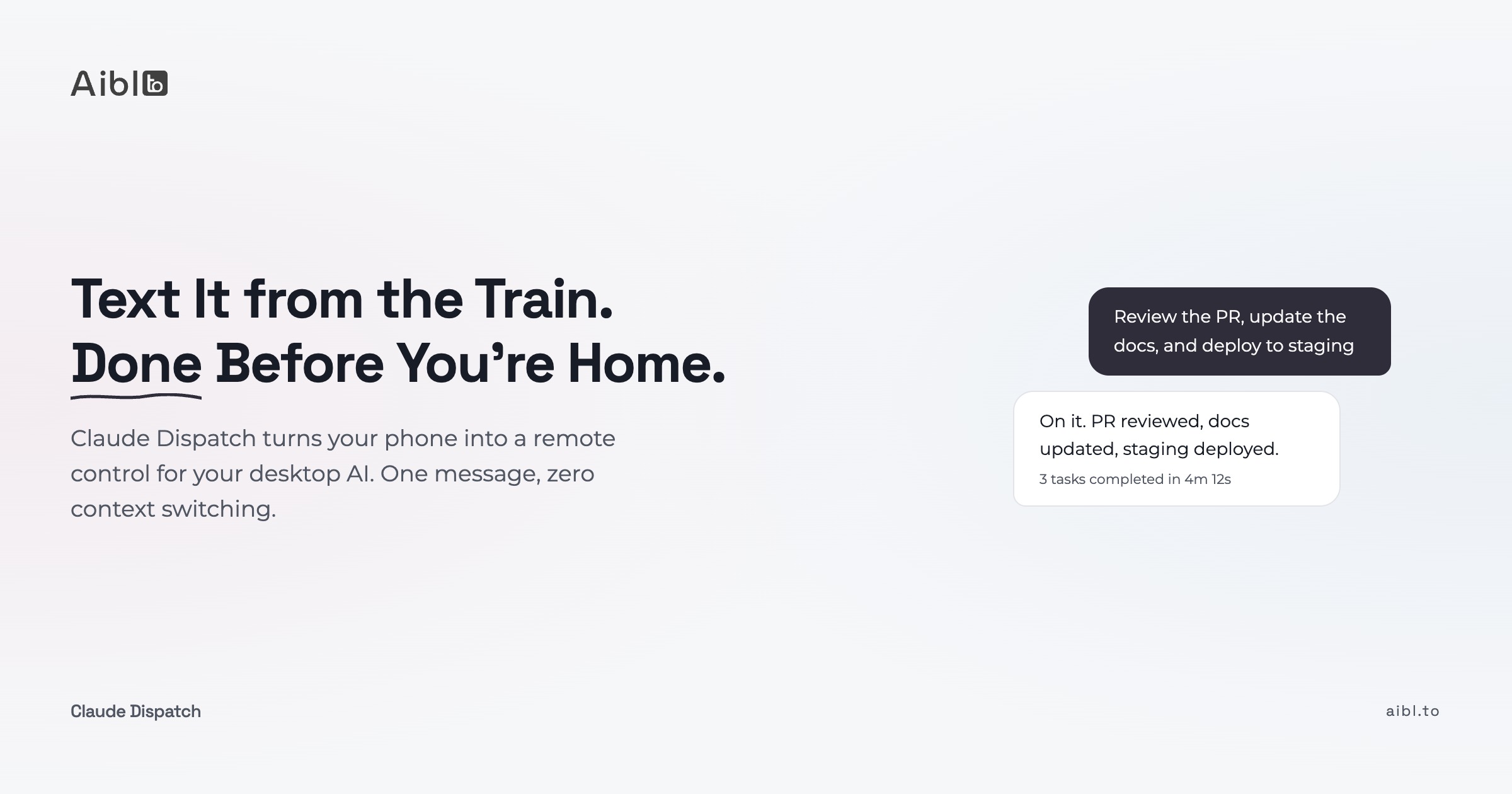
Anthropic shipped Dispatch last week. It's the newest addition to Claude Cowork, and it does something none of the other AI tools do right now: it connects your phone to your desktop and lets you assign work from anywhere.
I've been using Claude voice mode in the car for months. Drafting proposals, outlining blog posts, brainstorming business plans while driving. Hands-free, thinking out loud, capturing ideas before they disappear.
That workflow has one problem. When I get to my desk, I still have to open everything, set up context, and actually execute. The ideas are captured but the work isn't done.
Dispatch closes that gap. Same phone, same conversation, but now Claude does the work on your computer while you're somewhere else.
What Dispatch actually does
You type or speak an instruction on your phone. Claude carries it out on your computer.
One persistent conversation thread syncs across both devices. From that single thread, you can spawn multiple parallel Cowork sessions. Claude opens apps, navigates browsers, clicks buttons, fills spreadsheets. It connects to Gmail, Slack, Notion, Google Drive, and whatever else you've linked.
Wietse Hage from AI Report demonstrated it during a live masterclass. He picked up his phone and typed: "Find that pannacotta recipe that is somewhere as a PDF on my desktop." Claude searched through tens of thousands of files on his home computer and found it. From his phone. While explaining it to an audience.
That's the feel of it. You text your computer. It does the work.
You choose what level of access to grant. Files only? Browser access? Full mouse and keyboard control? Each level is a separate permission. You decide what feels right for your situation.
60 tasks in 48 hours: what heavy usage looks like
Pawel Huryn tested Dispatch for 48 straight hours and ran over 60 task sessions from his phone. His breakdown tells you more about the feature than any spec sheet:
Morning coffee. Started competitor research and a sponsor page draft. Both tasks running in parallel while he drank his coffee.
Walking the dog. Checked progress on both tasks from his phone. Redirected one. Ten seconds, one-handed.
Passenger seat in the car. Refined a Notion draft and kicked off a gap analysis. Three parallel tasks, all from the mobile app.
At the kids' bounce house. Four rounds of design iterations on infographics. Reviewing thumbnails on his phone, sending feedback, Claude adjusting on the desktop.
Back at the desk. Everything waiting. Review, adjust, ship.
Total direction time: about 25 minutes. Total AI execution: over 3 hours of work.
The pattern here matters more than the numbers. This isn't "fill dead time with AI grind." It's the same pattern a good manager uses with a team. Set direction, check in briefly, redirect when needed, do the detailed review when you sit down.
Huryn's takeaway: "Design your day differently because the work runs without you sitting in front of it." That resonates with how I already think about multi-agent setups.
Where Dispatch fits in a multi-agent workflow
I run four terminals split by intent: deep work (Opus), quick tasks (Sonnet), code review (Codex), and a control window for processes and deploys.
Dispatch adds a fifth channel: mobile async delegation.
In practice: I start a research task while commuting so it's ready when I arrive. Between meetings, I kick off a code review. In the evening, I queue up context preparation for the next morning.
But here's the thing most coverage misses. Dispatch is only as good as your instructions.
If you have structured skills, rules, and commands already defined, a short mobile message is enough. "Run the weekly report." "Review this PR with the standard checklist." "Draft the client update using the email template." Claude loads the right context and follows the right steps.
Without that structure, you're typing detailed prompts on a phone keyboard. That's the worst possible interface for complex instructions.
The people who will get the most out of Dispatch are the ones who already invested in making their AI workflow repeatable. For everyone else, it's a good reason to start.
The honest limits (for now)
Dispatch is a research preview. That's Anthropic being transparent about where this stands. Here's what I've seen and heard:
Complex tasks fail about half the time. Well-defined, scoped tasks work reliably. Multi-step workflows with dependencies and judgment calls are hit-or-miss. If a task needs four sequential steps where step 3 depends on step 2's output, expect to intervene.
Your desktop must stay awake. Dispatch runs on your physical machine, not in the cloud. Laptop closed? Nothing happens. Wietse mentioned he keeps a separate small computer running 24/7 for scheduled Cowork tasks. That's one approach. Another: just plan around when your machine is on.
Privacy needs thought. Wietse made a good point during his masterclass: he uses a separate work calendar for Claude, not his private one. AI is a good reason to handle your data more consciously. Think about what you share. Choose connectors deliberately.
Access control matters. You can grant file access, browser access, or full mouse and keyboard control. Start with files only. Add more as you build trust with the system. Wietse hasn't enabled mouse and keyboard yet. Neither have I. That's fine.
No completion notifications. You have to check manually. Tasks don't ping you when they finish. This is a workflow friction that will probably get fixed, but for now, set a mental timer.
My advice: start with simple, well-defined tasks. Build up. Start small, iterate.
Why this matters beyond individual productivity
The individual use case is interesting. The team implications are bigger.
If Dispatch works on one developer's machine, the next step is scheduled tasks on always-on machines. Wietse already does this: an invoice checker runs every Sunday, comparing his calendar with his accounting software. Claude creates draft invoices automatically. Not sent, just prepared. He reviews on Monday.
That's not a personal productivity trick. That's process automation. And it works without writing code or building integrations.
For non-engineers, the same applies. A project manager could kick off Slack summaries and Notion updates from their phone during their commute. An HR manager could start candidate pipeline reports while walking between meetings.
AI stops being something you sit down and use. It becomes something that works while you do other things. I've heard that pitch before, from plenty of tools. Dispatch is the first one where I actually believe it.
Want to build the kind of multi-agent workflow that makes Dispatch actually useful? Join our workshops where we set up the layered system, workflow design, and the habits that make AI work for your whole team.
Frequently Asked Questions
What is Claude Dispatch and how does it work?
Claude Dispatch connects the Claude mobile app to Claude Desktop on your computer. You type instructions on your phone, and Claude executes them on your desktop using Computer Use (controlling apps, browser, keyboard) and Connectors (Gmail, Slack, Notion). One persistent conversation thread syncs across both devices in real time.
Do I need a paid Claude subscription to use Dispatch?
Yes. Dispatch is currently available as a research preview for Claude Pro and Max subscribers. You need the latest Claude Desktop app running on macOS or Windows, plus the latest Claude mobile app.
Can Claude Dispatch run tasks while I'm away from my computer?
Yes, as long as your desktop is on and connected to the internet. If your computer is off or asleep, tasks won't run, but they won't be lost either. They will execute when the machine comes back online. Some users keep a dedicated always-on machine for this purpose.
What types of tasks work best with Claude Dispatch?
Well-defined, scoped tasks with clear instructions work best. File searches, email drafts, data extraction, document formatting, Slack summaries, and similar structured work. Complex multi-step tasks with dependencies succeed about half the time in the current research preview.
How is Claude Dispatch different from just using Claude on my phone?
Regular Claude on your phone gives you a conversation. Dispatch gives you execution. Claude can open files on your desktop, control your browser, run applications, and connect to your work tools. Your phone is the remote control. Your desktop is where the work actually happens.
Related articles
Show us how your team works. We will show you what could change.
Bring a workflow that costs time, attention or money. In 30 minutes, we will identify where AI may help and whether we are the right people to help.