How to write AI skills for your job: 8 mistakes to avoid
June 17, 2026
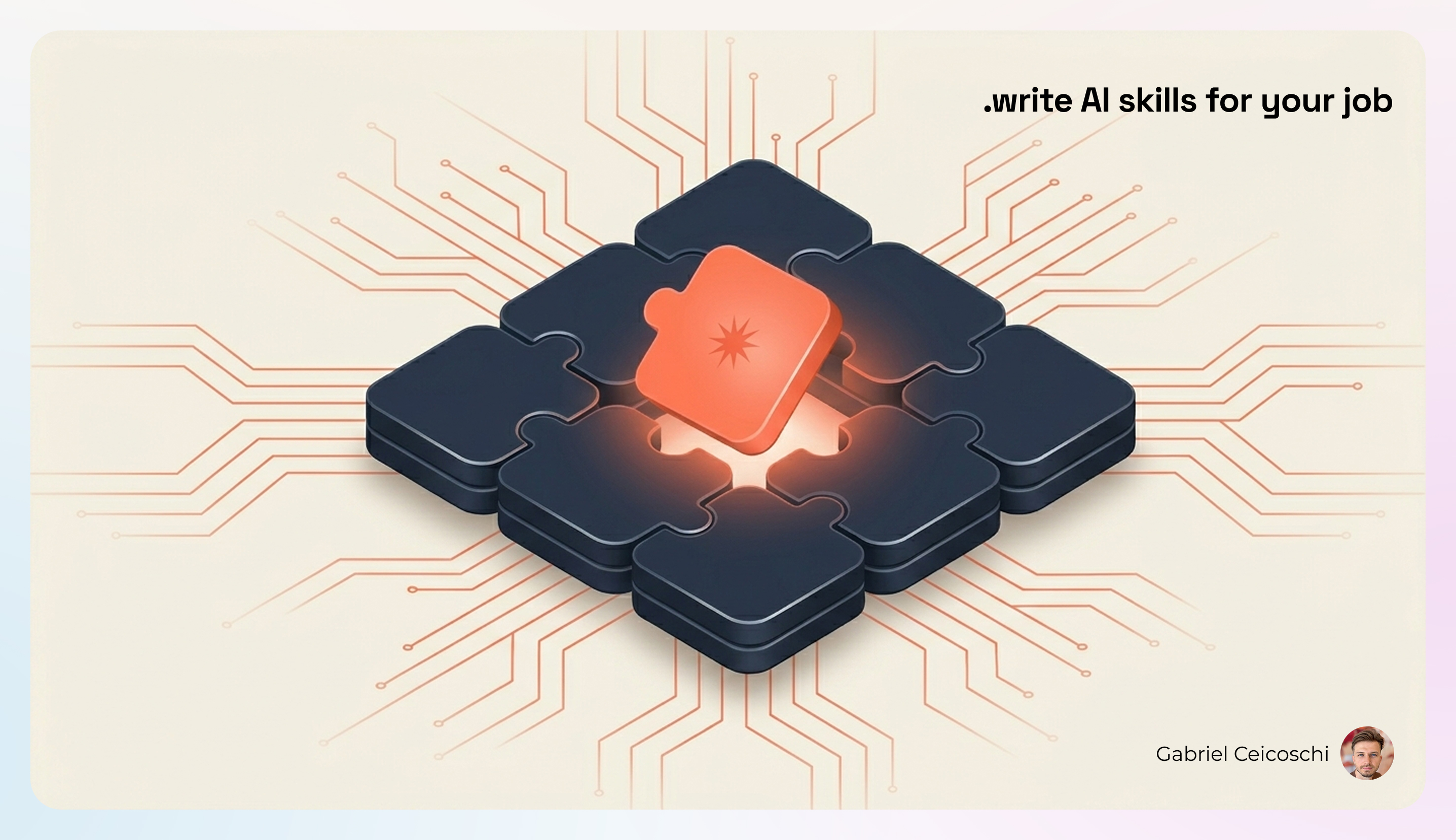
A skill is a small set of instructions you give an AI assistant once, so it does a task your way every time after that. A harness is the bigger setup around it: the rules, the memory, the agents that run in the background. Think of a skill as a recipe card and the harness as the whole kitchen.
You don't need to be an engineer to build either one. I am one, and I still got most of this wrong for months.
This year I built over 50 skills and custom harnesses for my own work. Content, research, sales, analytics, things far outside what I know how to code. I won't pretend I found a secret recipe. I'd be lying. But I can tell you the mistakes I kept repeating and what fixed each one. Steal the fixes.
Three out of four knowledge workers use AI now. Most of them use it to ask. Almost none of them use it to build, to make the tool do their specific job the same way every time. That gap is the whole opportunity.
If you've never built a skill, skip to the bottom first. There's an easy on-ramp that needs none of this.
1. How should you start building an AI skill?
My first skills were me typing rules into an empty document, guessing what the AI needed. They were bad.
Now every skill starts as a conversation. I open a Claude Opus session, describe what I want in plain words, and brainstorm the whole thing out loud before I write a single instruction. The model asks better questions than my blank page ever did. By the time I write the skill, I already know what it should say.
Talk it through first. Write it down second.
2. What should an AI skill actually contain?
A skill is not complicated. Mine got complicated because I thought more rules meant more control. The opposite was true.
Every skill I build now has four parts, and only four:
- What the task is and what "done" looks like
- The instructions to get there
- The tone of voice it should use
- The shape of the output
That's the whole anatomy. Keep it stupid simple. If you can delete a line and the skill still behaves, delete it.
There's hard evidence for this. Skills load in layers, a design Anthropic calls progressive disclosure: only a one-line description sits in the AI's memory all the time, and the full instructions load only when your task matches (Anthropic Agent Skills docs). So every extra line you cram in is weight the tool carries whether it needs it or not. A February 2026 ETH Zurich study put numbers on it: auto-generated, bloated instruction files cut task success by up to 2% while inflating costs over 20% (Gloaguen et al.). More rules made it dumber and pricier.
3. How do you give an AI skill expertise you don't have?
Some skills need knowledge I don't carry. How to run a market analysis. How to read sales data. How to structure a legal review. My instinct was to wing it, and the AI happily winged it with me.
Now, when a skill needs expertise outside my lane, I don't guess. I ask Claude to write me a deep-research prompt to find the gold standard on that topic: the real frameworks, the credible articles, the existing skills that already do it well. I run that research, then I distill the findings into a reference file the skill reads from, usually a method.md or framework.md.
The skill stays small. The expertise lives next to it. (There's a ready-made research prompt at the end of this article you can use for exactly this.)
4. What belongs in CLAUDE.md, and what doesn't?
My harness file got huge. Every instruction, every edge case, every bit of context, all in one place. The AI drowned in it.
The fix was structural. Every harness gets one main rules file. For Claude it's CLAUDE.md. For Codex it's AGENTS.md. Same idea, different name. That file holds only the global behavior: who the agent is, how it should act, the non-negotiables. Anthropic's own guidance is to keep it under 200 lines, because longer files eat context and the AI starts ignoring them. Mine sometimes creep toward 300 and I feel it when they do.
Everything else gets a home based on how you'll use it:
- Information you want to pull up later in the session goes into a skill, triggered automatically or called by hand.
- Work that should run fresh, in the background, or in parallel goes to a sub-agent. Sub-agents can still use your skills, but they run in their own space, so they don't clog the main conversation.
Keep the core small, push reference material into skills, and send the heavy, messy jobs to sub-agents.
5. How do you design the way an AI agent talks to you?
This one changed everything. You design a harness the way a good team designs a product. There's a name for it: conversation design. It covers the hard requirements, sure. It also covers what it feels like to work with the agent.
You can tell your agent to adapt to you, to never talk down, to read the room. You can even borrow from psychology. In one of my harnesses I built in the main ideas from the book Power of Moments. I wanted the agent to encourage me, to surprise me mid-task, to give me a real sense of finishing something.
You can also go the other way on purpose. Tell it to add friction. Don't hand me the answer. Make me think first. A good agent isn't always the fastest one.
One rule does more than all the others here: replace adjectives with behaviors. "Be encouraging" gives you nothing. "End each task by naming one thing the person did well" gives you the same intent as an action the agent can carry out. Adjectives drift, behaviors stick.
6. How do you stop an AI agent from doing something risky?
Early on, my agents would happily take actions I'd never have approved. So I learned to set guardrails.
You can write hooks that stop the agent before it does something risky, or make it check with you first. And for any sub-folder of a project, you can write rules that only switch on while the agent is working inside that folder. Different room, different rules.
This is the difference between an assistant you trust and one you have to babysit.
7. How do you keep your AI skills from going stale?
Skills age. References break. Two rules start saying the same thing in slightly different ways. Old instructions linger long after they stop making sense.
So I groom them. Every so often I run a review-and-heal pass over my harnesses: find the broken links, the overlapping rules, the dead weight. I lean on three plain engineering ideas while I do it:
- DRY, Don't Repeat Yourself. Say it once.
- YAGNI, You Aren't Gonna Need It. Cut what you added, "just in case."
- KISS, Keep It Simple, Stupid. When in doubt, simpler wins.
I built these three principles into their own skill and point it at my harnesses from time to time. A garden you don't weed stops being a garden.
A stale instruction is worse than no instruction. The AI follows an old rule with perfect, confident obedience, straight off a cliff. So I borrowed a habit called the two-strikes rule. The first time the agent makes a mistake, I just note it. The second time, it earns a written rule. That keeps me from padding the file with rules for problems I only imagined, and it keeps the rules I do have tied to real failures.
8. How do you keep every new skill consistent?
Once I knew the anatomy, I was still writing it from scratch for every new skill. Same structure, a little different each time, drifting apart over the months.
So I made a meta-skill: a skill whose only job is to build other skills. Same process, same standards, same skeleton, every time. Now all my skills look like cousins instead of strangers. They're easier to read, easier to fix, easier to hand to someone else.
Build the thing that builds the things. Then your work stays consistent without you policing it.
What do real AI skills for non-engineers look like?
You don't have to imagine any of this. People are already sharing the skills they use for non-engineering work.
- A marketer named Corey Haines published a pack of 23 skills for copywriting, SEO, email, and conversion work. Each one small, each one single-purpose. (github.com/coreyhaines31/marketingskills)
- One open harness ships ready-made agents for whole job functions: a sales agent that drafts cold emails and follow-ups, a legal agent for privacy policies and disclaimers, a support agent for tickets. (github.com/wshobson/agents)
- There's an internal-comms skill that writes status reports, leadership updates, incident reports, and newsletters. If your week has communications overhead, that's a skill, not a chore.
None of these were built by people trying to show off code. They were built by people trying to get their own work done faster.
How can a non-developer build their first AI skill?
One thing I wish someone had told me sooner. Everything above is what I do after months of practice. You can start today without it.
Claude ships with a built-in skill-creator. You don't need to know the file structure, the jargon, or the engineering principles. You describe the task you keep doing by hand, and it walks you through turning it into a skill, asking the right questions as it goes.
So the easy pattern, start to finish:
- Pick one task you repeat every week. A report, a summary, a type of email.
- Open a conversation and talk through how you do it, the way you'd explain it to a new colleague.
- Ask the built-in skill-creator to turn that into a skill.
- Use it a few times. Fix what annoys you. Keep it simple.
That's it. The eight lessons above are just how you get better at step four over time.
You don't have to figure this out alone. Our AI trainings at Aibl.to walk your team through building real skills for your actual work, in one session. Come build with us →
Frequently Asked Questions
What is a Claude skill?
A Claude skill is a small folder of instructions that tells an AI assistant how to do a specific task your way, every time. It holds the task, the steps, the tone, and the shape of the output. The skill loads only when your request matches it, so you can keep many on hand without slowing the assistant down. You build one once and reuse it forever.
Do you need to be a developer to build AI skills?
No. You describe the task you keep doing by hand, in plain words, and let Claude's built-in skill-creator turn it into a skill. You never touch code or file structures unless you want to. The hard part is being clear about what "done" looks like, not the technical setup. Most knowledge workers can build a working skill in one sitting.
What is the difference between a skill and a CLAUDE.md or AGENTS.md harness?
A harness file (CLAUDE.md for Claude, AGENTS.md for Codex) is the always-on rulebook the assistant reads at the start of every session. A skill is on-demand knowledge that loads only when a task needs it. The harness should stay small and hold global behavior; everything specific belongs in a skill. Mixing the two, by stuffing everything into the harness, is the most common mistake.
How long should a CLAUDE.md file be?
Anthropic's guidance is to keep CLAUDE.md under 200 lines, because longer files eat context and the assistant starts ignoring them. A February 2026 ETH Zurich study found that bloated, auto-generated context files cut task success by up to 2% while raising costs over 20%. Put critical rules first, keep them specific, and move reference material into skills. Shorter and sharper beats long and thorough.
What is the Claude skill-creator?
The skill-creator is a built-in meta-skill that walks you through making a new skill. You tell it what you want, and it writes the structure, the trigger phrases, and the instructions, asking questions as it goes. It exists so you don't need to know the jargon or the file format to start. It is the easiest on-ramp for non-technical users.
Does this work for OpenAI Codex too?
Yes. Codex uses the same open skills standard and an AGENTS.md file in place of CLAUDE.md. The concepts map almost one to one: harness files, on-demand skills, and background sub-agents. If you learn the pattern on one tool, it transfers to the other with minor naming differences.
Related articles
Show us how your team works. We will show you what could change.
Bring a workflow that costs time, attention or money. In 30 minutes, we will identify where AI may help and whether we are the right people to help.