Claude AI for professional workflows: a setup guide for consultants and teams
April 14, 2026
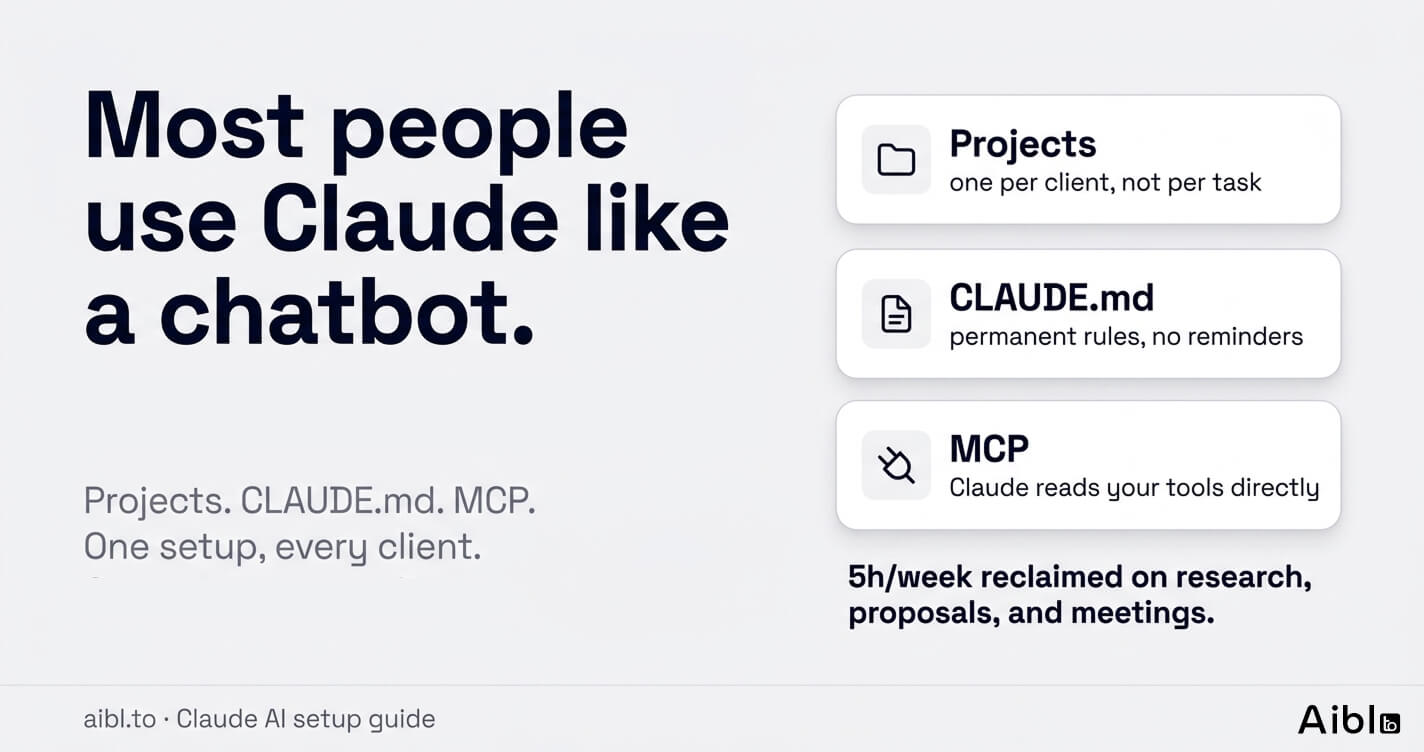
I have spent the last year setting up Claude as the backbone of my consulting and development workflow — client research, proposals, deliverable writing, meeting cycles. The difference between chatting with Claude and working with Claude is not speed. It is whether you have done the setup that makes Claude understand your context, your clients, and your standards.
This is not a "what is Claude AI" post. Anthropic covers that fine. This is a setup guide for people who already use Claude and want it to work properly.
Why setup matters more than prompting
80% of effective AI output is context and setup. 20% is the question you ask. If Claude's outputs are not useful, the problem is almost never the prompt — it is that Claude does not know enough about your situation.
Think about onboarding a contractor. You would not hand them a task and walk away. You would give them client background, your standards, the terminology you use, what good looks like. Claude works the same way. The more you invest in setup, the less time you spend correcting outputs.
A consulting-focused guide I have referenced models a typical 35-hour client-facing week like this: 10 hours writing deliverables, 8 hours on research, 5 hours on admin, 5 hours on client communications — leaving about 4 hours for the strategic thinking the client is actually paying for. With proper Claude setup, practitioners report reclaiming around 5 hours a week across those categories. Not by typing faster. By not starting from scratch every session.
Start with Projects: one per client, not one per task
The first setup mistake is creating a new Claude conversation for every task. You lose all context. Claude resets. You explain everything again.
The right structure: one Claude Project per client or engagement. Each project holds:
- Client background and engagement scope
- Documents (reports, proposals, past deliverables)
- Style and terminology guidelines
- Prompt templates for your most-used workflows
Projects are client containers, not task folders. Three active clients means three projects. Within each, you run everything — research, drafting, meeting prep, BD content — and Claude carries context across all of it.
The practical effect: you stop re-explaining who the client is every session. Claude already knows. You go straight to work.
One thing worth managing: projects get inconsistent if you fill them with too many documents and instructions. Keep the context tight. Use CLAUDE.md for permanent rules rather than uploading everything. Pull live documents through MCP instead of static copies. The more disciplined you are about what goes in, the more consistent the outputs.
Build a client context document
Before uploading anything to a project, write a context document. Eight fields, under 500 words:
- Company name and what they do
- Target customers
- Core value proposition
- Main competitors
- Current engagement scope
- Metrics and traction data
- Stakeholders you deal with
- Tone and terminology preferences
Paste this at the top of every project. It anchors everything Claude writes — proposals, research summaries, client emails — to your client's actual situation rather than generic industry patterns.
This matters especially in small teams and agencies where multiple people work on the same client. Everyone uses the same context document. Outputs stay consistent across team members without extra coordination overhead.
Set up your CLAUDE.md — the project constitution
If you use Claude Code, this is non-negotiable. CLAUDE.md is a markdown file Claude reads automatically at the start of every session. It holds permanent rules that override casual prompt wording.
A practical CLAUDE.md for a consulting engagement covers:
- Client name, industry, and engagement summary
- Terminology (what they call things — "proposal" vs "SOW", "client" vs "partner")
- Output standards (executive summary first, bullet points for action items, one-page limit on recommendations)
- Hard constraints (never invent data, do not suggest things outside the engagement scope)
- Links to reference documents
The hierarchy: global CLAUDE.md for your personal preferences across all work, project-level CLAUDE.md for each engagement, and CLAUDE.local.md (gitignored) for private working notes. Claude stacks these automatically. Rules closer to the project override the general ones.
The result: Claude writes your deliverables using your client's terminology, your output standards, and your constraints — without reminders.
The friction-driven memory loop
No setup is right on day one. You will edit Claude's outputs. You will find yourself rewriting the same things repeatedly.
That repetition is a signal.
When you keep changing the same type of output, Claude is running a pattern you have not captured yet. The fix: notice the friction, translate it into a specific rule, add it to your CLAUDE.md or project memory.
Not vague guidance. Something testable. Not "be more concise" — something like: "Lead with the recommendation, not the analysis. Clients read the first paragraph and skip to the appendix."
A useful pattern here: ask Claude to look at your recent edits and surface what you keep changing. "Based on how I have been modifying your outputs this session, what rules am I applying that are not in your instructions yet?" Claude will propose candidate instructions. You review, refine, and commit the ones that hold.
Over a few weeks, this compounds. Edits get smaller. Outputs need less revision. Claude has learned how you work — not because of ambient AI memory, but because you captured your own standards in a form Claude can follow consistently.
Wire Claude into your tools with MCP
This is where setup becomes different in kind, not just degree.
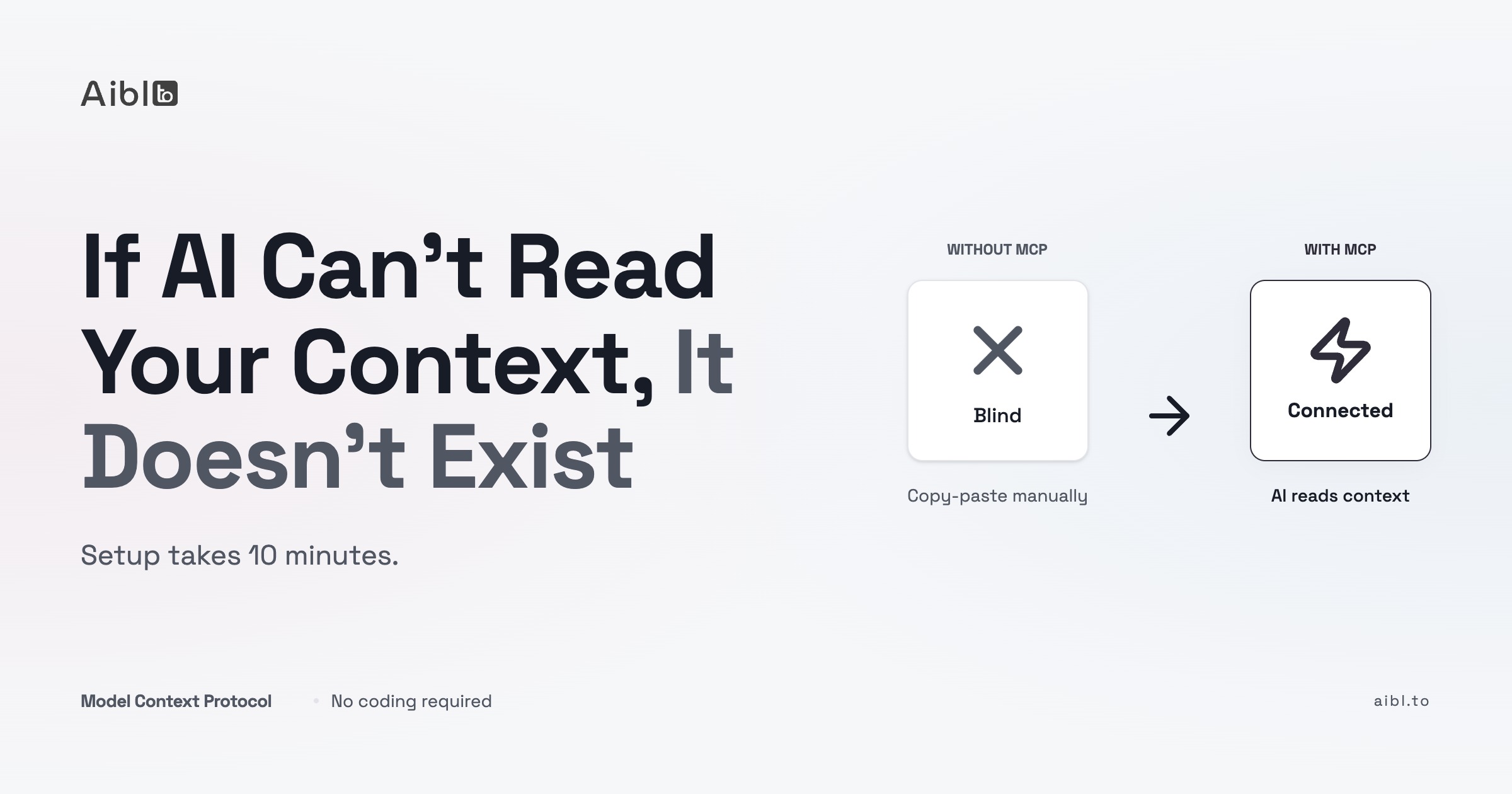
MCP (Model Context Protocol) lets Claude connect directly to the tools you already use. Instead of copying content into Claude, Claude reads it from the source. The gap between AI in a chat window and AI that works in your actual environment closes.
The most useful integrations for consulting and professional work:
Google Workspace. Claude reads your calendar, opens Drive docs, writes back to Google Docs directly. Meeting prep pulls the relevant files automatically. Post-meeting summaries land in the right doc without copy-pasting.
Notion. Claude reads and writes your workspace — creates project pages, populates databases, links SOPs. I use this for the entire content pipeline behind aibl.to. It is the difference between Claude as a drafting tool and Claude as part of your actual system.
Slack. Send updates, summarize threads, draft replies without leaving Claude.
GitHub and Linear. For product and engineering teams: Claude reviews PRs with context from linked specs, summarizes issues, drafts release notes with full conversation history attached.
Start with read-only access. Pick one integration — whichever tool you live in most — and build one workflow around it. Expand from there.
A note on security: do not connect MCPs with access to sensitive client data until you understand exactly what Claude can read and write. OAuth scopes matter. Start narrow, establish trust, then expand.
Real workflows with concrete numbers
Setup is abstract until you see it running.
Research and competitive analysis. Upload the client's last report, a few competitor pages, a market brief. Run a structured prompt: market overview, competitor comparison, implications for the client, gaps in the data. Time: 30–40 minutes including your review. Without Claude: half a day minimum.
Proposal drafting. Paste messy discovery call notes and a proposal skeleton. Claude produces a 4–6 page draft covering situation, approach, phases, deliverables, and next steps. Time to customize and finalize: 30–60 minutes. Without Claude: 4–6 hours from blank page to first draft.
Deliverable writing. You supply your analysis, your findings, your recommendations. Claude structures it into a report format for the right audience and length. Time saved on a 20-page strategy document: 4–5 hours — while you keep full ownership of the thinking.
Meeting prep and follow-up. Two prompts: a pre-meeting brief (attendee context, likely questions, decisions needed, landmines to avoid) and a post-meeting summary (follow-up email plus internal notes with risk flags). Time per meeting: 15–20 minutes. Without Claude: 45–60 minutes combined.
The principle behind all of these: you supply the thinking, Claude handles the structuring. You never ask Claude to generate strategy from scratch. You feed it your analysis, your decisions, your data — and it writes around them.
Claude vs ChatGPT for this work
I use both. They are different tools.
Claude is better suited for long-form analytical work. The context window is large, instruction-following is strict, and outputs for research-heavy and writing-heavy tasks are consistently more thorough. When you need Claude to absorb a 40-page RFP and extract specific implications, it holds up better than most alternatives.
ChatGPT wins on ecosystem breadth — more integrations, image generation, broader plugin support. If you need creative experimentation or you are already deep in the OpenAI stack, the switching cost may not make sense.
Where Claude falls short: projects get inconsistent when overloaded. Too many documents, too many conflicting instructions — outputs drift. The fix is exactly what this post covers: tight context documents, CLAUDE.md rules, MCP for live data instead of static uploads.
For sustained, structured professional work — research, proposals, deliverables, meeting cycles — Claude is what I recommend. Not because of benchmarks. Because it is consistent enough to build repeatable workflows on, which is what matters when you are billing time.
Where to go from here
If you want to set this up for a whole team — not just yourself — that is a different problem and a different conversation.
We run hands-on workshops where you build your own Claude setup on your actual workflows. Not a demo. Not slides. You leave with a working Projects structure, a CLAUDE.md for your practice, and at least one complete workflow running end-to-end.
Frequently Asked Questions
What is a Claude Project and how should I use it?
A Claude Project is a persistent context container. Instead of starting fresh every conversation, you store your client background, documents, style rules, and prompt templates inside the project. Claude draws from all of it every session. The right structure is one project per client or engagement — not one per task. This keeps context tight and stops you from re-explaining who the client is every time you open Claude.
What is CLAUDE.md and do I need it?
CLAUDE.md is a markdown file that Claude Code reads automatically at the start of every session. It holds permanent rules — terminology, output standards, hard constraints — that override casual prompt wording. If you use Claude Code for professional work, yes, you need it. There are three levels: a global CLAUDE.md for personal preferences, a project-level one per engagement, and CLAUDE.local.md (gitignored) for private notes. The combination means Claude follows your standards without reminders.
How do I connect Claude to Notion or Google Workspace?
Through MCP (Model Context Protocol). Notion has a hosted MCP server you connect via Settings > Connections. For Google Workspace, you configure a local MCP server through Claude Code with your OAuth credentials. Once connected, Claude can read your calendar, open Drive docs, write to Notion databases, and send Slack messages directly. Start with read-only access and one integration before expanding.
Is Claude better than ChatGPT for consulting and knowledge work?
For long-form analytical work — research, proposals, multi-page deliverables — Claude holds context better and follows detailed instructions more consistently. ChatGPT has a broader plugin ecosystem and image generation. For the specific workflows in this post (research, proposals, deliverables, meeting cycles), Claude is what I use and recommend. For creative experimentation or if you are already inside the OpenAI stack, ChatGPT may be the better fit. They are different tools, not a binary choice.
How long does it take to set up Claude properly?
The core setup — one Project, a client context document, and a basic CLAUDE.md — takes about 30 minutes per client. The friction-driven memory loop runs continuously: you notice patterns in your edits and add rules as you go. MCP integrations add another 30–60 minutes depending on what you connect. You do not need everything from day one. Start with Projects and a context document, run a few workflows, then layer in CLAUDE.md and MCP as you identify where the gaps are.
Try it yourself
Copy this prompt and paste it into ChatGPT, Claude, or any AI tool to start building your own 5-layer system.
I want to set up Claude properly for a client engagement.Interview me, then generate two files I can use today.

The goal:client-name
├── client-context.md    ← who this client is, in 8 fields
└── CLAUDE.md            ← permanent rules for this engagement

Ask me these questions one at a time. Wait for each answer.
1. What is the client's name and what do they do?
2. Who are their customers and what do those customers care about?
3. What is the current engagement — what are you being hired to do?
4. What are the main deliverables? (proposals, reports, research, code, other)
5. What terminology does this client use that you need to match?   (e.g. they say "partner" not "client", "SOW" not "proposal")
6. What does a good output look like for this engagement?   (format, length, what goes first, what to avoid)
7. What should Claude never do on this engagement?   (invent data, suggest out-of-scope work, use certain words, other)
8. Which workflow do you run most — research, proposals, deliverables, or meeting prep?

After my answers, generate both files with real content. No placeholders.client-context.md — 8 fields, under 500 words. Covers: company, customers, value proposition, competitors, engagement scope, metrics and traction, stakeholders, tone and terminology.

CLAUDE.md — 10-15 rules. Covers: client and engagement summary, terminology, output standards for this client, hard constraints, and one prompt template for the workflow I use most.

Then tell me one thing: what to run first.
Related articles
Show us how your team works. We will show you what could change.
Bring a workflow that costs time, attention or money. In 30 minutes, we will identify where AI may help and whether we are the right people to help.