How a Non-Engineer Built a Web App Using AI - No Coding Experience Required
December 4, 2025
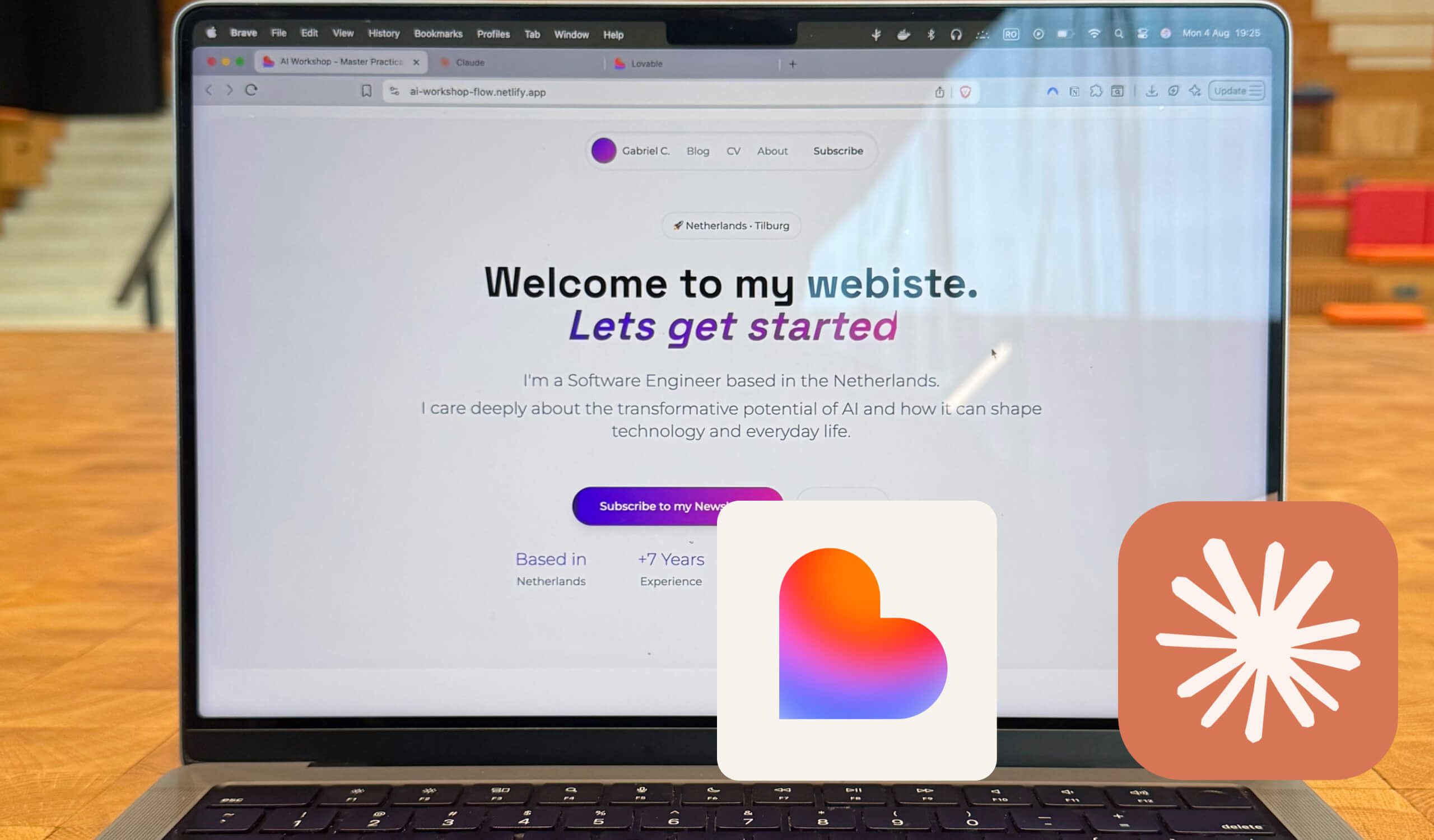
How a Non-Engineer Built a Working Web App in a Few Weekends (And How You Can Too)
It took me many years to feel confident building web apps. Tutorials, frameworks, and small wins that took far too long. Recently, we helped a non-engineer client ship a first working app over a few weekends.
They had a simple idea and no clear starting point. After seeing our work with Lovable and our experiments with Claude, Codex, and n8n, they asked one question: "Can AI help me build this?" The answer was yes, if we started with clarity instead of code.
Below is the exact workflow we used to get their first version live.
Step 1: Start with Market Research (Before You Build Anything)
Most first-time builders jump into UI or features. The faster move is to pressure-test the idea. Any solid reasoning model works (Perplexity, ChatGPT, Claude).
Prompt: "Here’s my idea: [describe idea]. I want you to analyse the market, list similar tools, define the core problem, and describe the primary audience in simple terms. Keep it short and practical."
This gives immediate clarity on problem, audience, and differentiation.
Step 2: Extract UI Guidance From an Image You Like
Design from reference, not from scratch. We asked the client to pick a Dribbble/Behance interface they liked. Then we used:
"Turn this image into a clean JSON structure with Tailwind-style tokens (colours, spacing, typography, border radius, shadows). Keep it simple and only include what is visible in the image."
That produced a coherent visual system without touching Figma.
Step 3: Define the Core User Journey (For Apps)
For apps: "Using the research above, outline the simplest possible user journey for this app. Describe only the essential steps a user takes to achieve the main outcome. Include the primary user goal, the core actions, and any data the user must input. Avoid extra features or edge cases. Keep it high-level and practical for a first version."
For websites: "Using the research above, write simple website copy with the following sections: Hero, Value proposition, Core Features, Pricing, Social Proof, FAQ, About, Footer. Add a clear Call to Action across sections. Keep the writing clear and non-promotional."
Both prompts create structure and cut noise-the gap most first-time builders face.
Turning Prompts Into a Working App
With clarity, UI tokens, and a user journey, we combined a concise Lovable prompt with the design reference. That was enough for Lovable to generate the first iteration of the app.
Years of fundamentals helped us move fast. Our client reached a working version in a few evenings because the workflow is now accessible to almost anyone with an idea.
The Most Important Habit: Document Everything
After the initial generation, iteration begins. We shifted to Claude for updates and refinements. The critical habit was documenting every change to track evolution and keep context intact.
The Notion MCP for Claude helps here: it documents the codebase automatically and supports strategic notes, early product decisions, and the foundations for processes and standards as the system grows. It pairs well with Notion itself and the Model Context Protocol workflow we use to keep context synchronized.
This mirrors the documentation discipline senior engineers rely on-and now non-engineers can apply it with AI.
The Real Shift: You Don’t Need to Know Everything to Start
Our client didn’t build a perfect app. They built a working one. AI didn’t replace engineering; it lowered the barrier so beginners can participate earlier and avoid dead ends.
If you have an idea, start with direction, a handful of prompts, and a willingness to iterate. Join our workshops to learn this exact workflow - we guide non-technical professionals through the process.
One call. We'll show you exactly what we'd build with your team.
No pitch decks. No generic proposals. Just a conversation about your workflows and what we can automate together.