Stop Juggling 7 Tools. Consolidate Your SaaS Stack with AI.
April 1, 2026
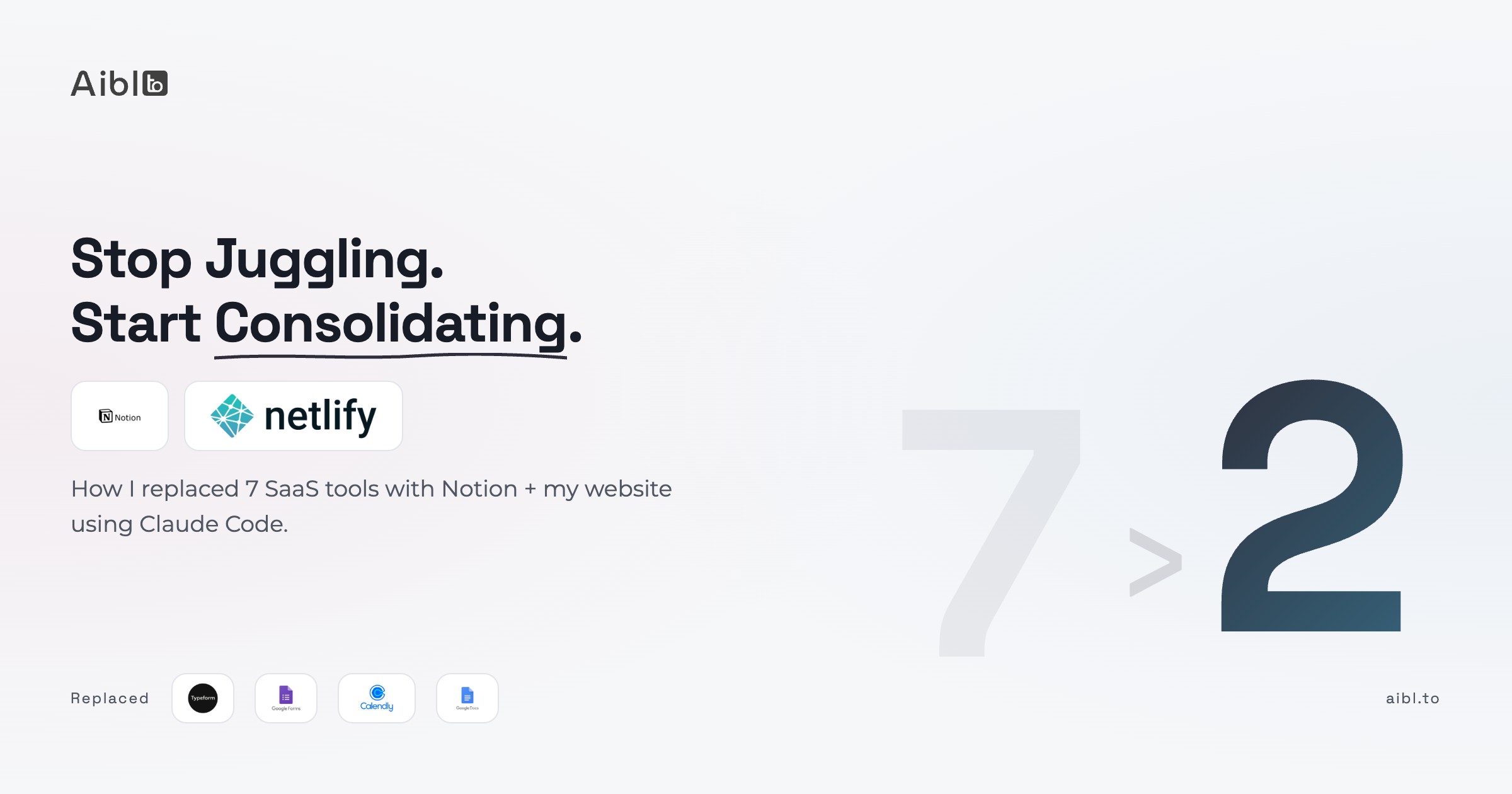
The average company uses 112 SaaS applications. Small businesses average 87. Freelancers and solo consultants? Fewer tools, but the same problem: you're paying for overlap, checking multiple dashboards, and none of it talks to each other.
Zylo's 2026 SaaS report found that 25-30% of SaaS licenses are unused or underutilized. That translates to roughly $45 billion in global waste annually. Gartner estimates organizations will waste about 25% of their total cloud spend by end of 2026, much of it driven by unmanaged SaaS sprawl.
This isn't just a big-company problem. It's a "I'm paying $200/month for Typeform and only use it for two forms" problem. And the hidden cost isn't just money. Gloria Mark's research at UC Irvine found that knowledge workers switch tasks every 3 minutes and 5 seconds, and it takes an average of 23 minutes to fully refocus. Every extra dashboard is another interruption.
I know because I was doing exactly that.
7 tools, one frustrated operator
I run AI workshops, write content, and manage leads. A few months ago I listed every tool I was actively paying for or maintaining:
- Typeform for lead capture forms (hundreds per month at scale)
- Google Forms for workshop feedback
- Calendly for scheduling
- Netlify for hosting
- Notion for project management
- Local markdown files for blog posts (push code to publish)
- Google Docs for LinkedIn tracking (no structure, no filtering)
Seven tools. Multiple dashboards. Recurring costs climbing.
I could have jumped into the trend and built my own SaaS to replace them. After 8+ years of building software, my instinct said no. Maintaining a growing codebase, even a simple one, even with AI, is a commitment. I've seen enough side projects become maintenance burdens.
Instead, I consolidated everything into two tools using Claude Code.
What changed
I described what I wanted in plain English. Claude Code built the connections. No coding on my part. Here's what my setup looks like now:
Forms: Every form on my website automatically sends submissions to a Notion database. I don't export CSVs, I don't check a separate dashboard. Someone fills out a form, it shows up in Notion. Typeform and Google Forms are gone.
Blog: I write blog posts in Notion. When I'm done, I change the status to "Published" and my website updates automatically. No more pushing code to publish an article.
LinkedIn tracking: Instead of a messy Google Doc with links pasted in random order, I have a structured Notion database. I can sort by topic, filter by performance, and my AI tools can read it too.
Old data: I had months of submissions scattered across Typeform, Google Forms, and Google Docs. I asked Claude Code to write quick scripts to pull everything into Notion. Ran them once, checked the data, deleted the scripts.
The result: one place for everything. Notion is my hub. My website is my interface. Claude Code wired them together.
Why consolidate, not build
The temptation right now is to use AI to build your own replacement for every tool you use. Your own CRM, your own form tool, your own everything.
Don't.
The problem isn't that good tools don't exist. The problem is that we keep adding tools without removing old ones, and end up with five services doing variations of the same thing.
Building another tool adds to the sprawl. Consolidating existing tools reduces it.
Gartner warns that through 2027, organizations that fail to manage their software centrally will be five times more likely to suffer a cyber incident or data loss. Ungoverned tools aren't just wasteful. They're a security risk.
The approach here isn't "build from scratch." It's "connect what you already have." Notion is already a database. Your website already has a hosting platform. AI writes the integration layer. You maintain almost nothing.
What it costs now
Before:
- Typeform: $50-200+/month depending on submissions
- Google Forms: Free, but data sits in its own silo
- Calendly: $10-16/month per user
- Multiple dashboard time: hard to quantify, easy to feel
After:
- Notion: Free tier or $10/month for Plus
- Website hosting: Free tier covers most solo operators
- Claude Code: You already have it if you're reading this
The recurring cost dropped to near zero. The setup cost was a few evenings of conversations with Claude Code.
How to start: audit your own stack
You don't need to replace everything. Some tools earn their price. The ones that don't share common traits:
- You're paying for features you don't use
- The data sits in a silo you rarely check
- You could get the same result with a simple database and a connection between tools
- You're maintaining it out of habit, not necessity
Start with one tool. Pick the one with the biggest cost-to-value gap. Replace that first. If it works, do the next one.
The prompt
Here's a prompt you can paste into Claude Code or any AI assistant to audit your own stack. It will interview you, identify what you can cut, and map out a plan.
You are a SaaS consolidation analyst. Interview me to find which tools I can eliminate or consolidate. Ask these questions one at a time. Wait for my answer before asking the next:

1. List every paid tool or subscription you currently use. Include the monthly cost and what you use it for. Don't forget tools you barely use.
2. For each tool, how many times per week do you actually open it? Be honest.
3. Which tools hold data that you also track somewhere else? (e.g., form responses you also log in a spreadsheet, contacts in both a CRM and a spreadsheet)
4. Which tools could be replaced by a simple database (like Notion or Airtable) plus an automated connection?
5. Do you have a website? What platform is it on?
6. Do you use Notion, Airtable, or any "hub" tool already? What for?

After the interview, produce:

1. A ranked list of tools to cut, scored by: monthly cost saved, data overlap with other tools (high/medium/low), and how hard it is to replace (easy/medium/hard)
2. For each one, a one-line description of what replaces it
3. A recommended order: start with the biggest savings and easiest replacement
4. For the top candidate, a step-by-step migration plan I can follow
5. A list of data I'd need to export before canceling each tool
6. Total estimated monthly savings after consolidation

Format everything in markdown. Be direct. If a tool is worth keeping, say so and explain why.
Tips
Pick one tool. Replace it. Live with the new setup for a week. Then decide if you want to do the next one.
When you set up databases in Notion, use clear column names and consistent data types. If you ever want AI tools to work with your data, clean structure matters.
For one-time data migrations, let Claude Code write the script. Run it, check the results, delete the script. Don't over-engineer throwaway work.
What's next
This setup is the foundation. I'm building on top of it:
- Email operations. Automated emails triggered when something changes in Notion.
- LinkedIn analytics. Pulling engagement numbers back into my content database.
- AI workflows. Tools that read my Notion databases and take actions based on the data.
The goal is Notion + my website as the hub of everything. Not because I love minimalism (I do), but because two connected tools beat seven disconnected ones.
McKinsey's 2025 research on AI+SaaS argues that software is shifting from seat-based pricing to outcome-based pricing, where you pay for work completed rather than users licensed. If that's the direction, you want fewer platforms doing more, not more tools doing less.
This isn't just for engineers. I've seen the same approach work for sales, recruiting, marketing, legal, PMs, and freelancers. If your work involves forms, content, and contacts, you're sitting on the same consolidation opportunity.
Under the hood: how it works technically
This section is for anyone who wants to build this themselves or understand how the pieces connect. If you just want the outcomes described above, the audit prompt has everything you need.
Forms: Netlify Forms + Notion sync
Netlify Forms replaced Typeform and Google Forms. Adding data-netlify="true" to any HTML form gives you free form handling (up to 100 submissions/month). No separate service.
A serverless function triggers on every submission and auto-syncs it to a Notion database. It detects field types, creates the database schema on the fly, and adds each submission as a row. Zero config per form. Add a form to your page, and submissions appear in Notion.
Blog CMS: Notion as content source
Blog posts live in a Notion database with Title, Slug, Date, Status, and Tags. The website pulls published posts via the Notion API at build time.
When I flip a post's status from "Draft" to "Published," a webhook triggers a site rebuild. The connection uses a Netlify Build Hook (a URL that triggers a new deploy when called) paired with a Notion automation that fires on status changes.
LinkedIn tracking: structured Notion database
A Notion database with these properties: Title, Published Date, LinkedIn URL, Status (Draft/Published), Topic, Impressions, Likes, Comments. Structured so both I and AI agents can query it.
Data migration: throwaway scripts
Claude Code wrote Node.js scripts using @notionhq/client and csv-parse. Each script read CSV exports from one source (Typeform, Google Forms, Netlify), normalized column names, added a "Source" field, and pushed rows to the matching Notion database. Handled duplicates by checking email + timestamp. Ran once, verified, deleted.
Connecting the pieces
The integration layer is small:
- Notion API reads and writes to databases
- Netlify serverless functions handle form submission events
- Netlify Build Hooks trigger rebuilds from Notion status changes
- Claude Code wrote all of this from plain-English descriptions
For the full step-by-step setup with copy-paste prompts, see the setup guide.
Frequently Asked Questions
Do I need to know how to code to consolidate my tools?
No. Claude Code handles the technical work. You describe what each tool does, what data it holds, and where you want that data to go. The prompts in this post walk you through each step. We've run workshops where non-engineers built these integrations in a single afternoon.
How long does this take?
The forms setup takes about an evening. The blog CMS takes another evening. Data migration depends on how much old data you have, but Claude Code writes the scripts in minutes. Most people are fully consolidated within a week of part-time work.
Is Notion secure enough for business data?
Notion offers SOC 2 Type II compliance, GDPR compliance, and data encryption at rest and in transit. For most small businesses and freelancers, that's stronger security than the scattered mix of tools they're replacing.
What if I need features that Notion can't do?
Keep the specialized tool. The point isn't to force everything into Notion. It's to cut the tools that duplicate what Notion already does. If a tool is doing something genuinely unique, keep it. The audit prompt helps you make that call.
Can this work for a team?
Yes. Notion's shared databases and permissions make it a natural fit for teams. The same setup works regardless of team size. The main consideration is Notion's pricing: the free tier works for solo operators, and the Team plan covers most small teams.
What about Calendly? Did you replace that too?
Not yet. Scheduling tools with calendar integration, timezone handling, and booking pages are genuinely hard to replicate. That's one I kept. The audit prompt will help you make the same call for each tool in your stack.
Try it yourself
Copy this prompt and paste it into ChatGPT, Claude, or any AI tool to start building your own 5-layer system.
You are a SaaS consolidation analyst. Interview me to find which tools I can eliminate or consolidate. Ask these questions one at a time. Wait for my answer before asking the next:

1. List every paid SaaS tool or subscription you currently use. Include the monthly cost and what you use it for. Don't forget tools you barely use.
2. For each tool, how many times per week do you actually open it? Be honest.
3. Which tools hold data that you also track somewhere else? (e.g., form responses you also log in a spreadsheet, contacts in both a CRM and a spreadsheet)
4. Which tools could be replaced by a simple database (like Notion or Airtable) plus a webhook or integration?
5. What's your website/hosting setup? (e.g., Netlify, Vercel, WordPress, none)
6. Do you use Notion, Airtable, or any "hub" tool already? What for?

After the interview, produce:

1. A ranked list of elimination candidates, scored by: monthly cost saved, data overlap with other tools (high/medium/low), and replacement complexity (easy/medium/hard)
2. For each candidate, a one-line description of what replaces it (e.g., "Typeform → Netlify Forms + Notion database via serverless function")
3. A recommended consolidation order: start with the biggest savings and lowest complexity
4. For the #1 candidate, a step-by-step migration plan with specific Claude Code prompts to execute each step
5. A list of data you'd need to export and migrate before canceling each tool
6. Total estimated monthly savings after full consolidation

Format everything in markdown. Be direct. If a tool is worth keeping, say so and explain why.
One call. We'll show you exactly what we'd build with your team.
No pitch decks. No generic proposals. Just a conversation about your workflows and what we can automate together.